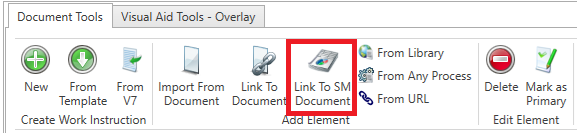
When creating work instructions in the FactoryLogix Office Process Definition window, you can link a document in the Specification Management Library to the current process definition.
-
Select the Link to SM Document button on the Document Tools tab in the Process Definition window.
-
In the dialog, select the document to link to and the link is added to the work instruction. (If the document is updated over time, the document shown to the shop floor operator is the document recorded in the Specification Management Library at the time the operator requests to read the document in FactoryLogix Operations.)