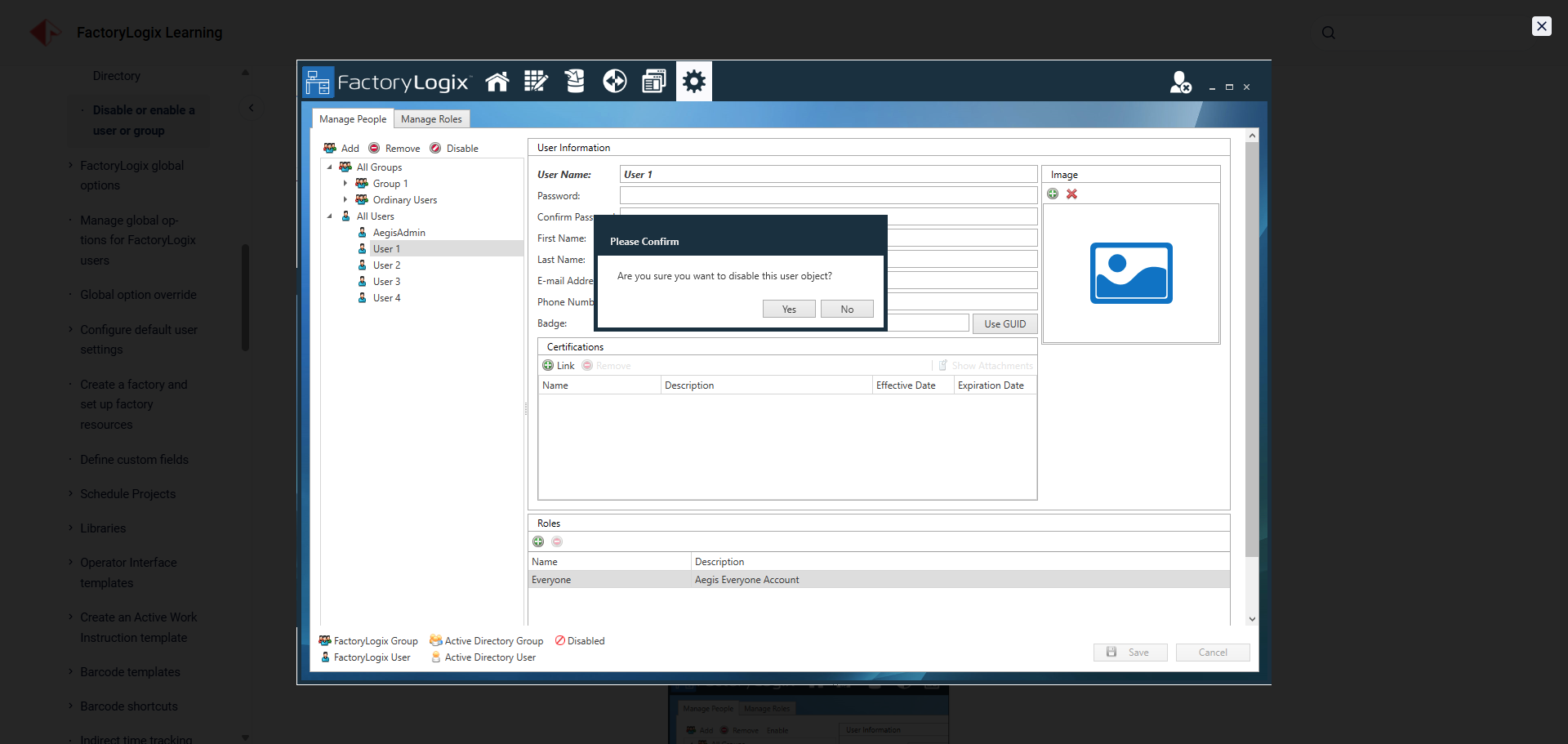
Images or tables too small on your documentation pages?
-
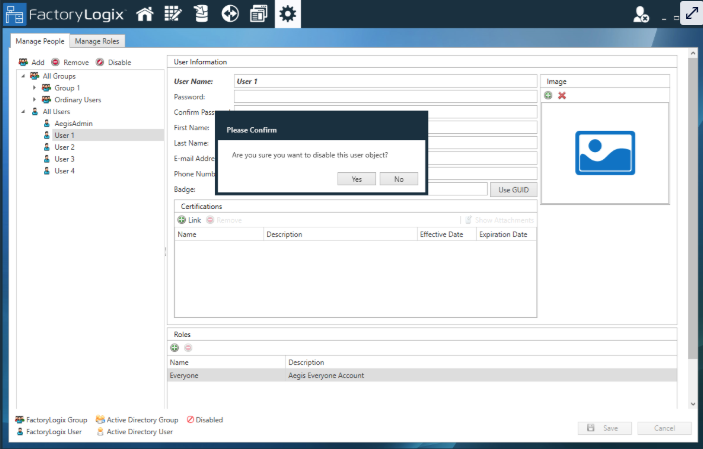
Hover over an image or table in a topic.
-
Select the double-arrow button in the upper-right corner of the image to view the full-size version of the image or table.
-
Select the X in the upper-right corner of the window to return to the topic.