
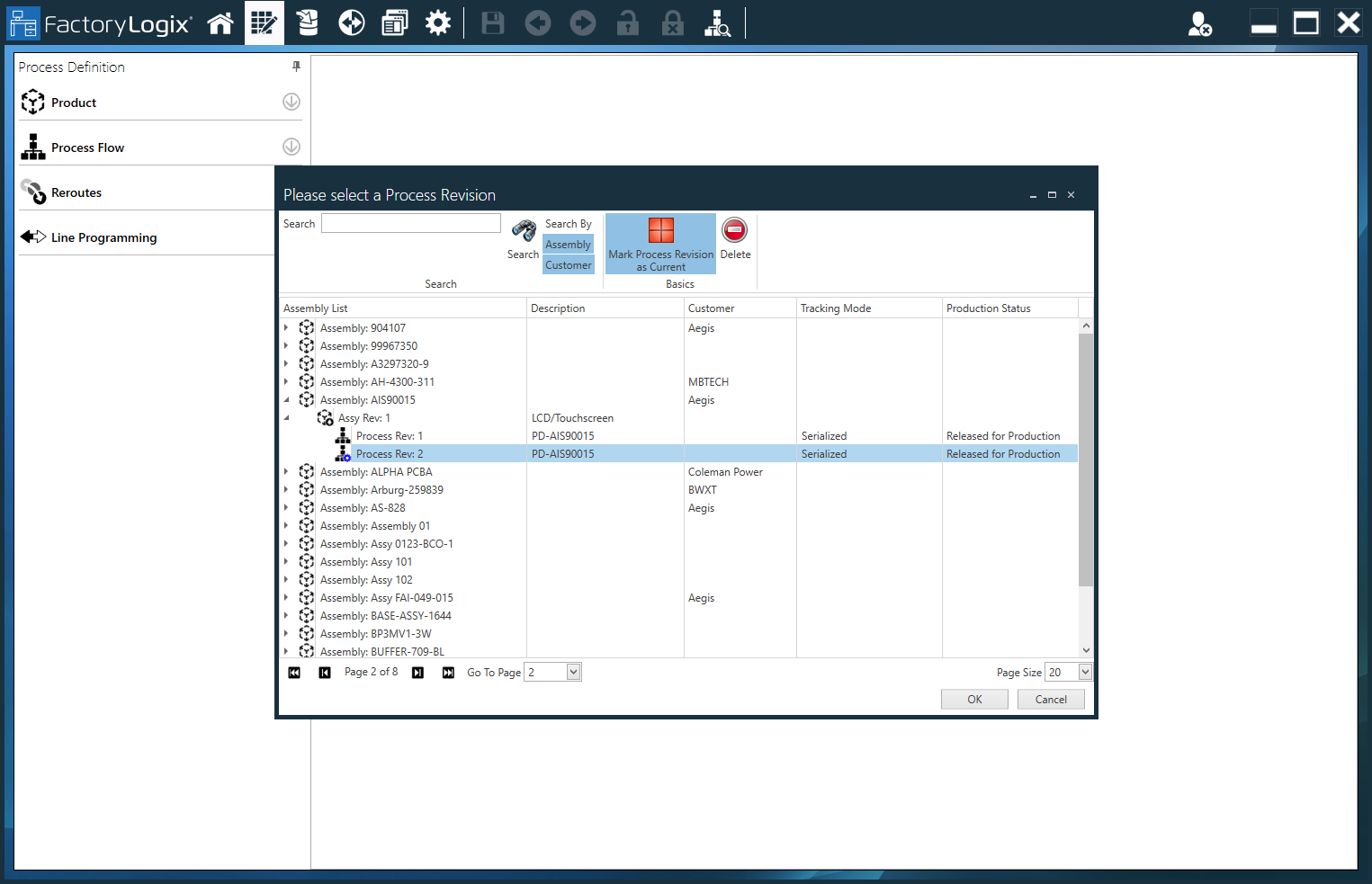
The current version indicator (a Blue gear on a process revision icon) 
-
Log into FactoryLogix Office.
-
Select Home > Process Engineering.
-
In Define Processes, select the Open Process

-
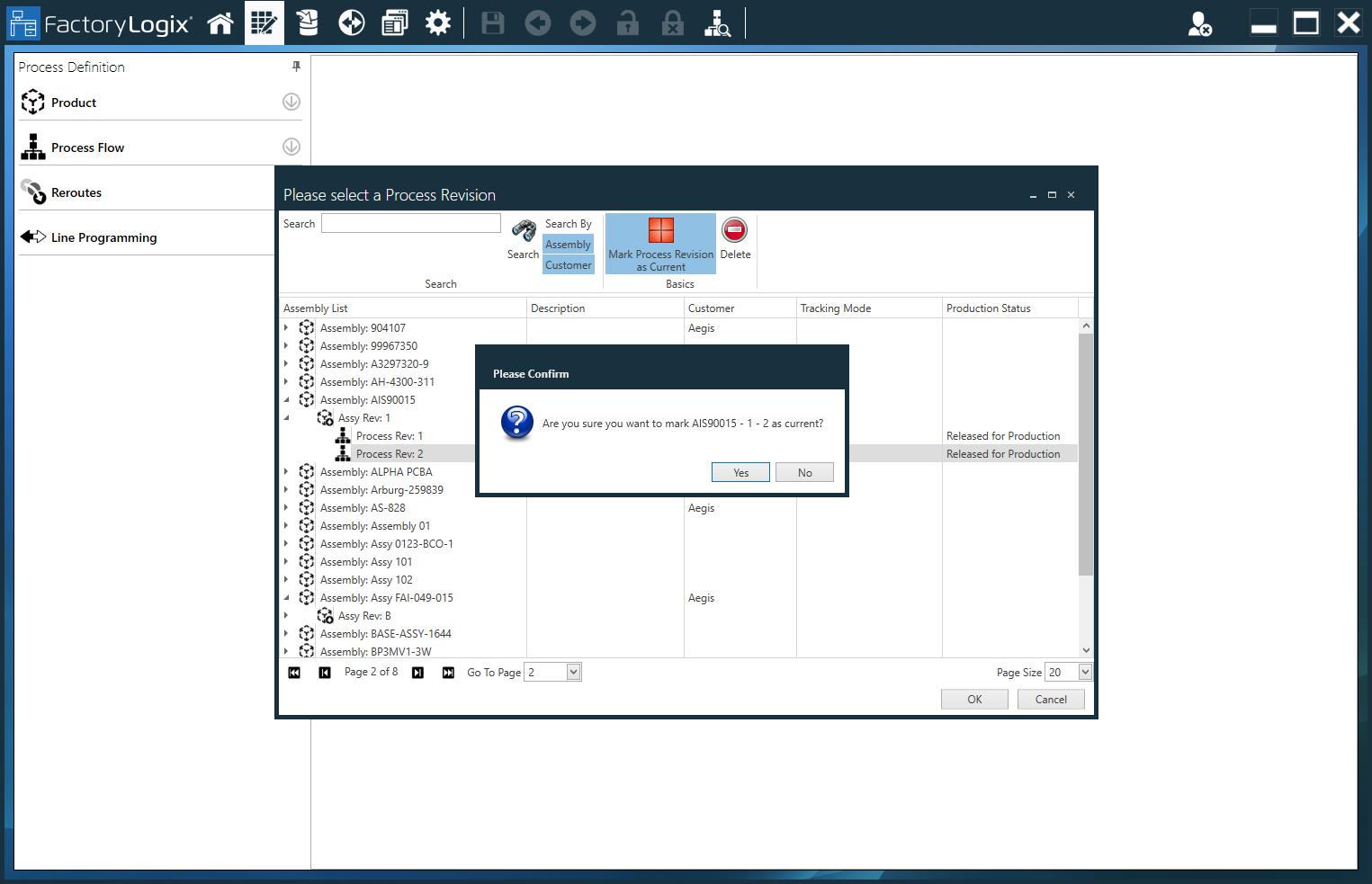
Find and select the process you want to mark as current in the Please Select a Process Revision dialog.
-
Select the Mark Process Revision as Current

Notice that the icon for the process revision now includes a Blue "gear":
Note
A process with a Green gear 