
FactoryLogix Learning

Create and manage views

After you import a 3D CAD assembly into FactoryLogix, you see the Master View by default. 
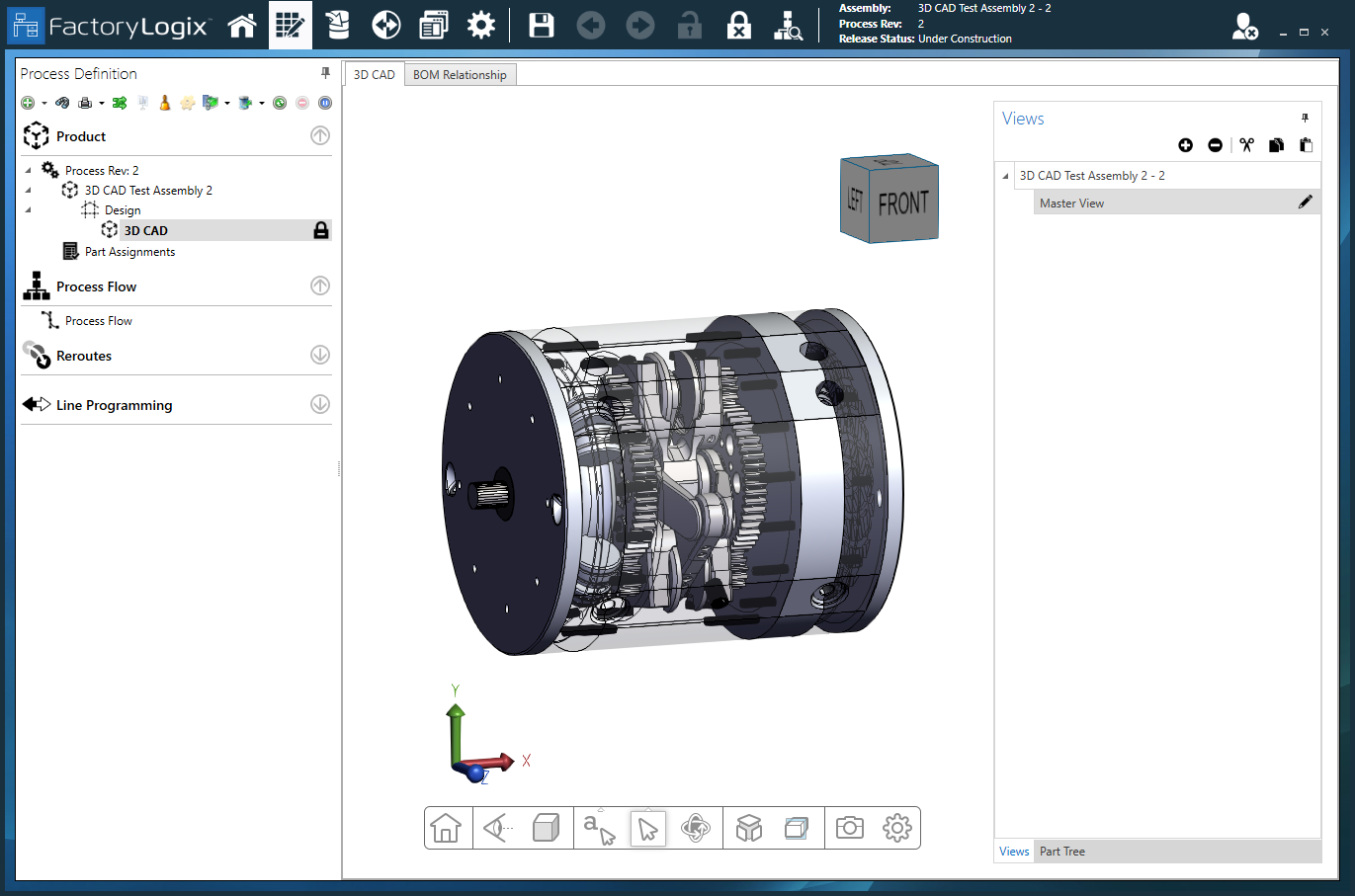

Master view


  1. Under Views on the right side of the Process Definition window, select New View  Black Add Item button.png to create a new view for the assembly.

    A new view named Assembly View 1 is created.

  2. To rename a view, select the Edit  Edit View button.png  button (the pencil) to the right of the view name, enter a new name (Transparent View 1, for example), then select the Save  Save_icon.png button to the right of the name.

  3. To remove a view, select the view name on the right side of the window, then select the Cut View  Cut View button.png button (the scissors).

  4. To copy a view, select the view on the right side of the window, select the Copy View  Copy View button.png button, then select the Paste View  Paste View button.png button to add the new view to the list. The new view will have the default name Assembly View n(Each time you create a new view, its number is incremented by 1.)