administrator
Change the default language
By default, FactoryLogix uses the current Operating System (OS) language setting for display at application startup. A global option named Default Culture allows a FactoryLogix administrator to change the default language for FactoryLogix to be used at application startup.
-
Log into FactoryLogix Office.
-
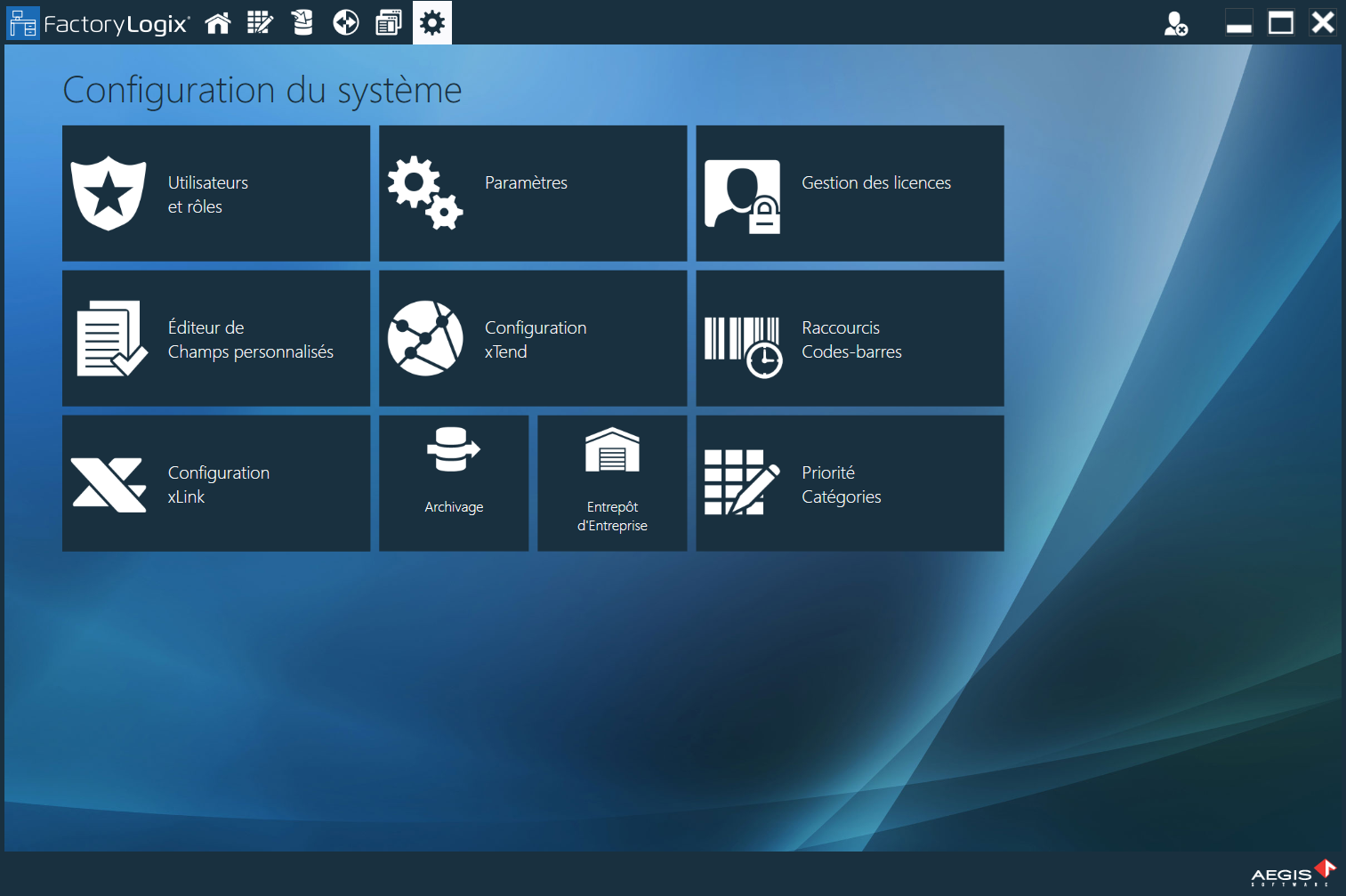
Select System Configuration

-
In the General category, select the drop-down next to Default Culture to override the default selection (Use OS settings) and select a different language.
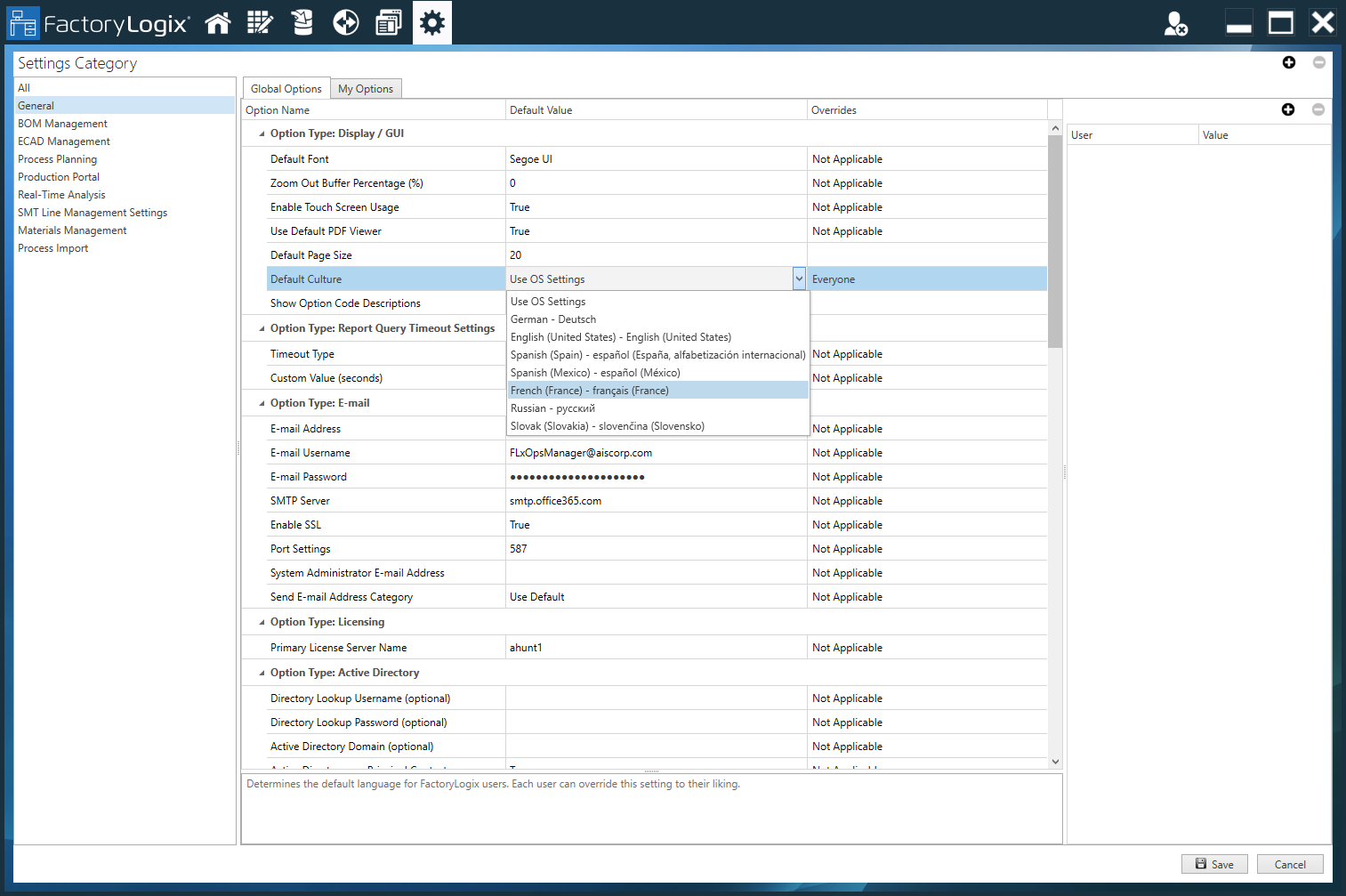
Override the default language
Individual users may override the default language with a different language for FactoryLogix applications (FactoryLogix Office, FactoryLogix Materials Management, FactoryLogix Operations, or FactoryLogix Analytics) on the login screen.
-
On the FactoryLogix Office login screen, select a new default language to use from the Language drop-down in the upper-right corner of the window.
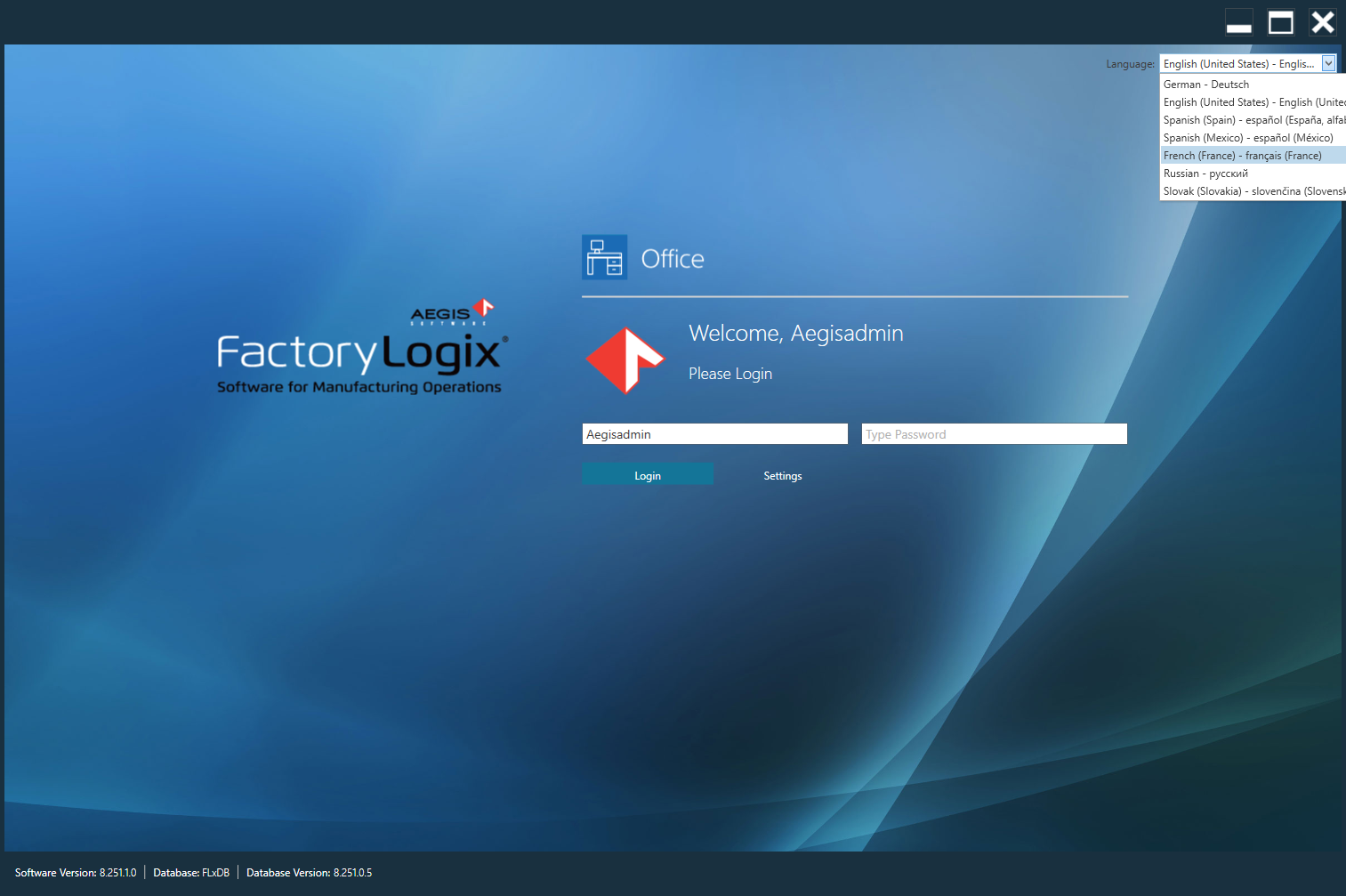
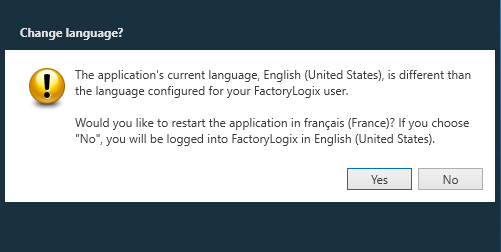
A message displays, prompting you to confirm the new language selection:
-
Select Yes to confirm the new language you selected.
The new language setting you select will take effect when you log in.