-
Log into FactoryLogix Analytics.
-
Select Data Miner/Data Analysis from the Analytics Home window.
-
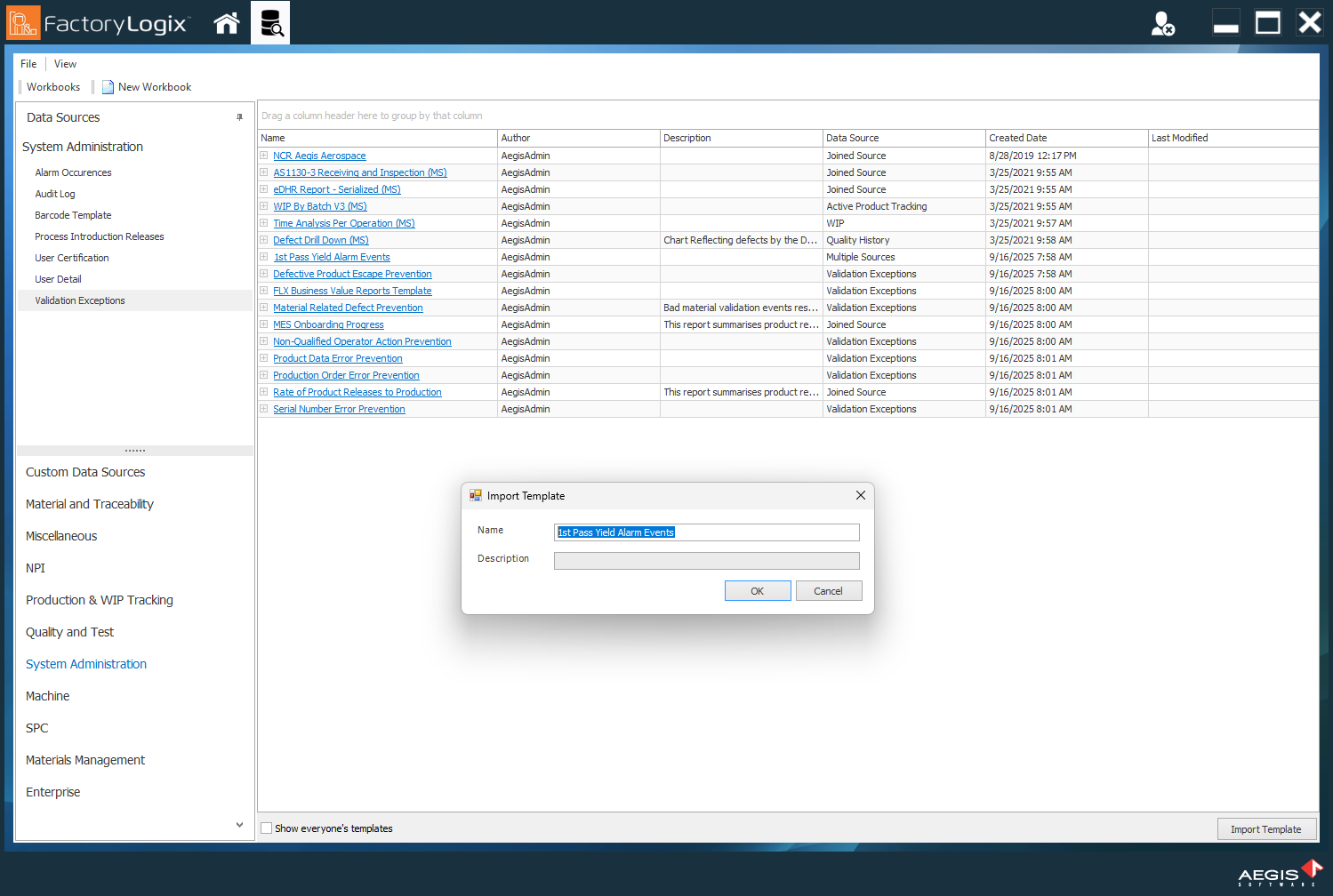
Select Template Manager in the upper-left corner of the window.
-
Select the Import Template button in the lower-right corner of the window.
-
Locate and select the template you want to import *.dtfx file), then select Open.
-
In the Import Template dialog, you can rename the template and/or view a description of the template.
-
Select OK to import the template.