As your data needs change over time or when you're just cleaning up/reorganizing template files, you may decide to delete one or more data set templates.
-
Log into FactoryLogix Analytics.
-
Select Data Miner/Data Analysis from the Analytics Home window.
-
Select Template Manager in the upper-left corner of the window.
-
To view all available data set templates, select Show Everyone's Templates.
-
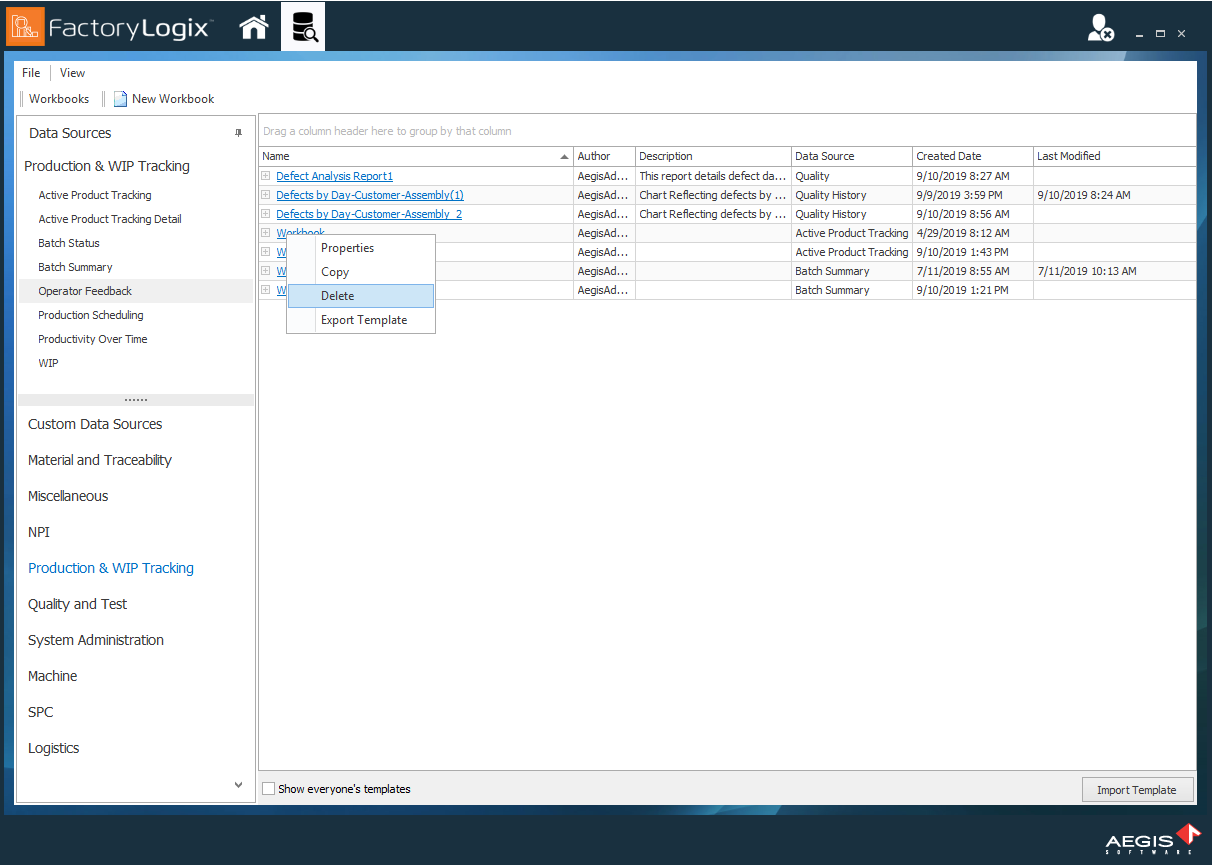
Right-click the template you want to delete, then select Delete from the context menu.
-
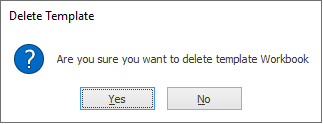
When you see the confirmation prompt, select Yes to delete the template or No to keep it.