
The Reset Quantity function specifies whether a confirmation is required when resetting a UID's quantity. This setting is controlled in FactoryLogix Office > System Configuration > Settings > Materials Management). The function includes the collection of a Material Movement reason code when the Reason Codes For Inventory Adjustments global option is set to True.
-
Log into the FactoryLogix website and select Materials Management.
-
Select Reset Quantity on the left side of the window.
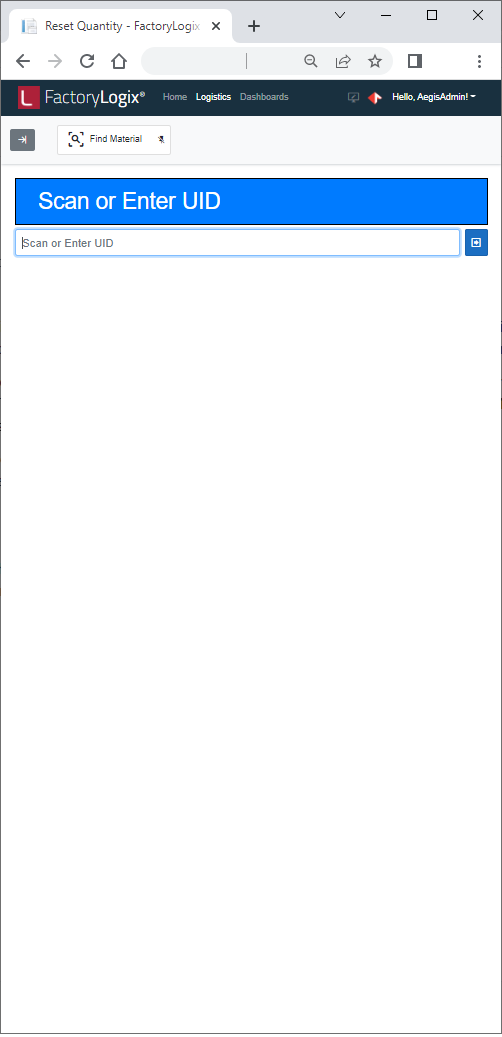
-
Scan a barcode or enter a UID in the UID field.
-
Select an applicable reason code from the Reason Code drop-down, then select Retrieve UID.
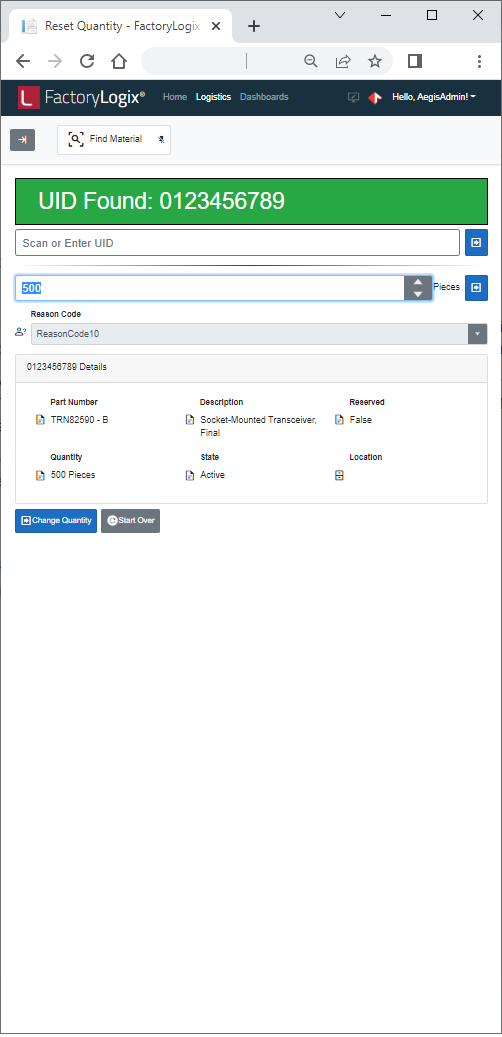
All information for the scanned barcode/UID material instance is displayed in a table (UID, Part Number, Description, Quantity, and so on).
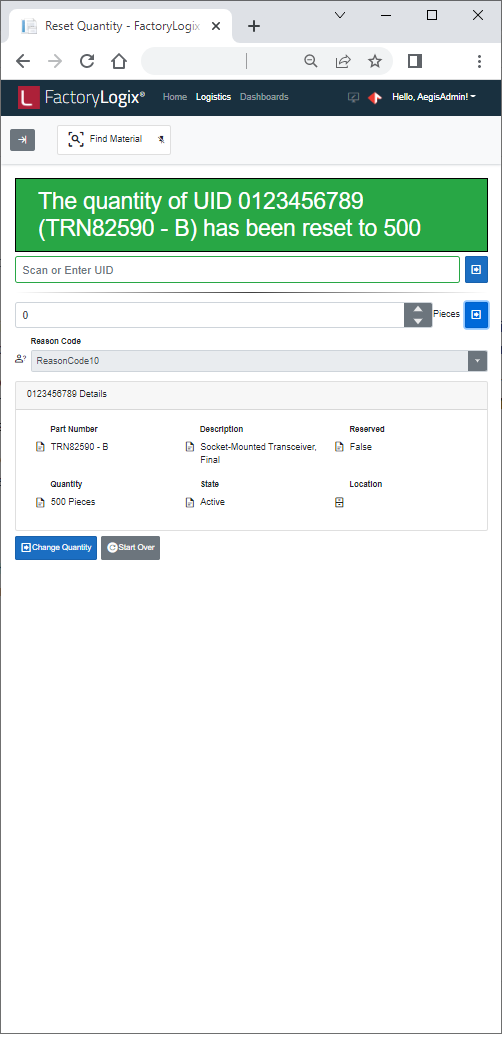
-
Select Confirm to confirm your selections.