administrator

You can view your organization's licenses in FactoryLogix Office.
-
Log into FactoryLogix Office.
-
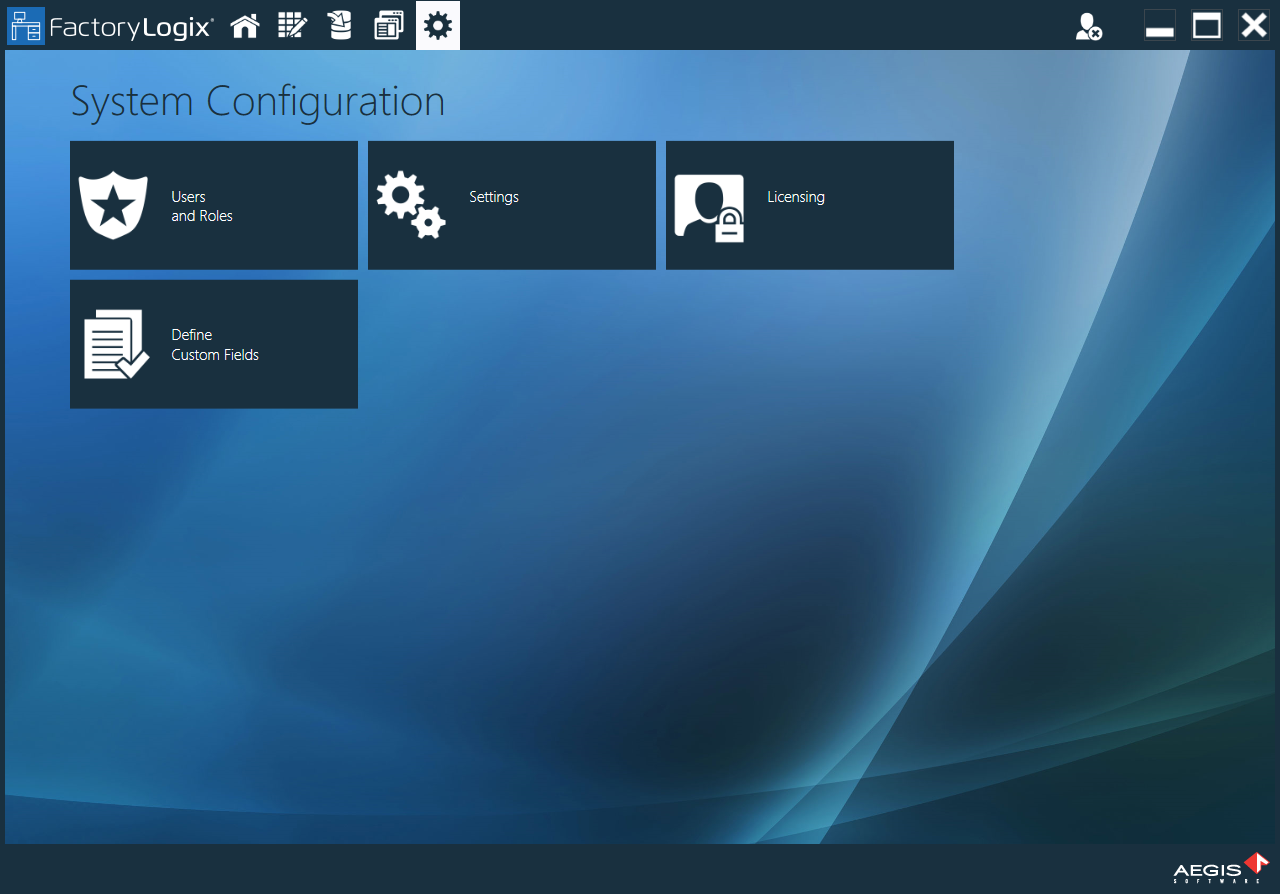
Select System Configuration > Licensing.
-
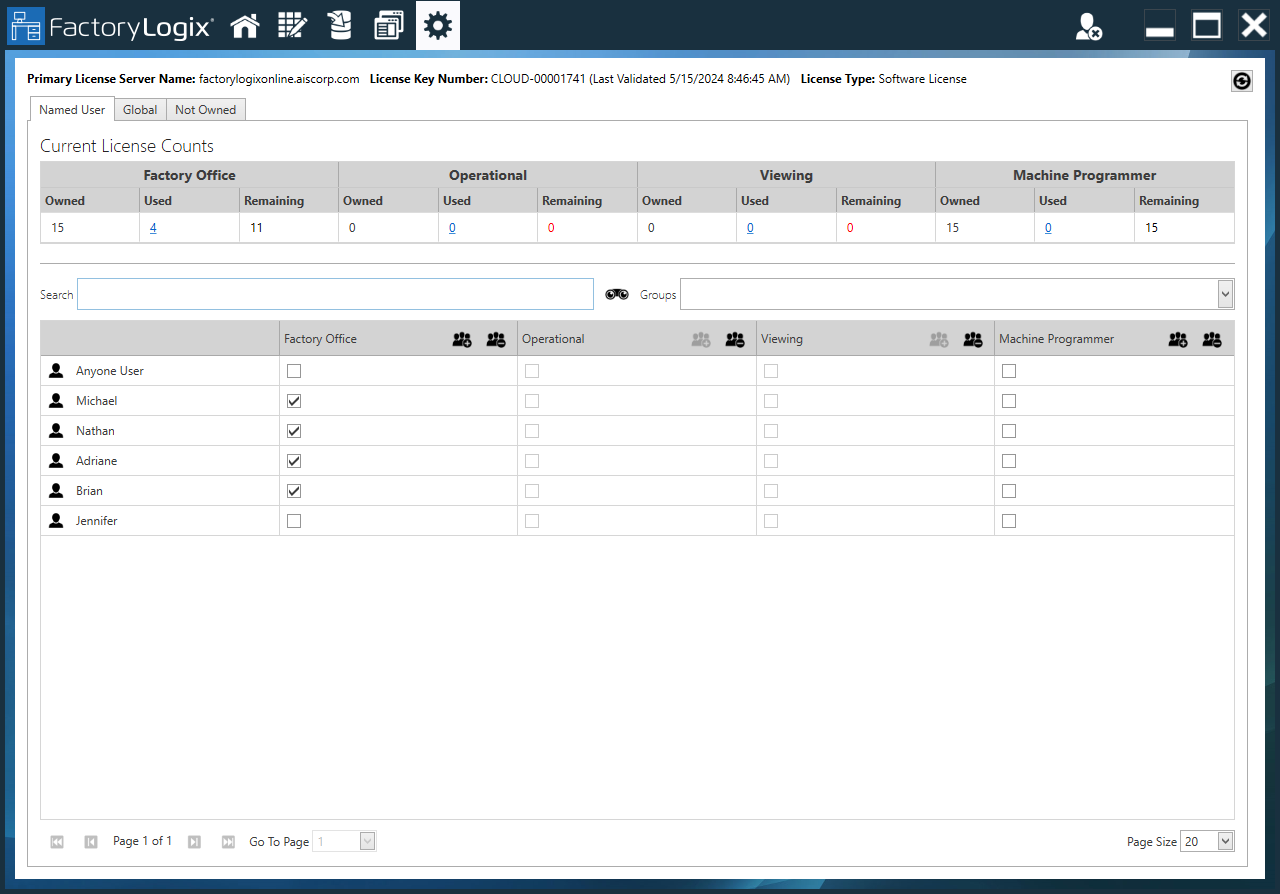
On the Named User tab, use the check boxes under Current License Counts to turn a license on or off for a specific user.
Tip
You can also manage licenses in the Users and Roles area of Manage People tab by selecting a user or group, then selecting the License tab.
-
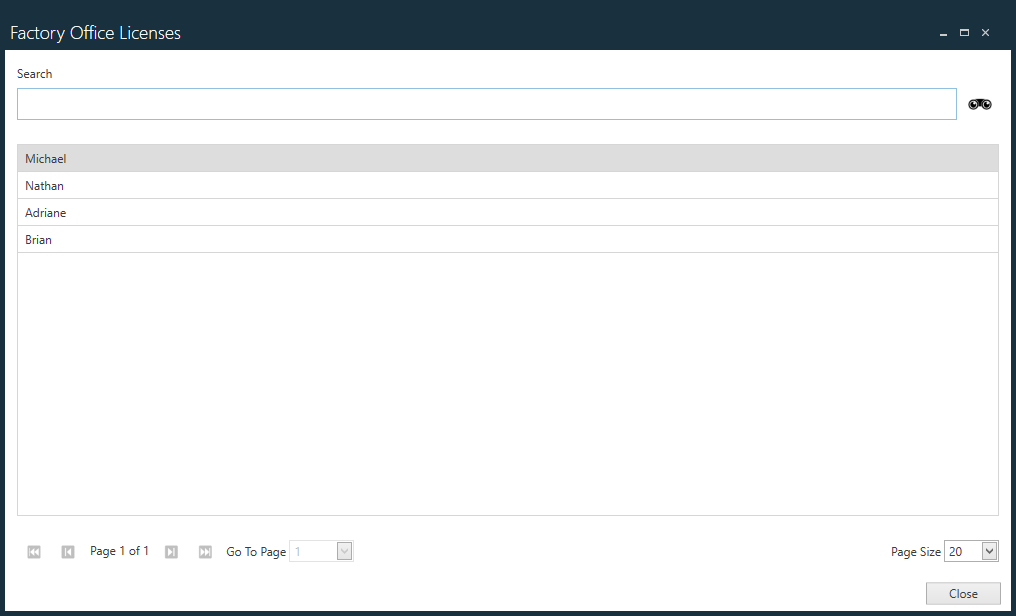
Select the number (link) under Used for a license type to display a Search dialog where you can view and search for users and/or groups who are assigned that license type.
-
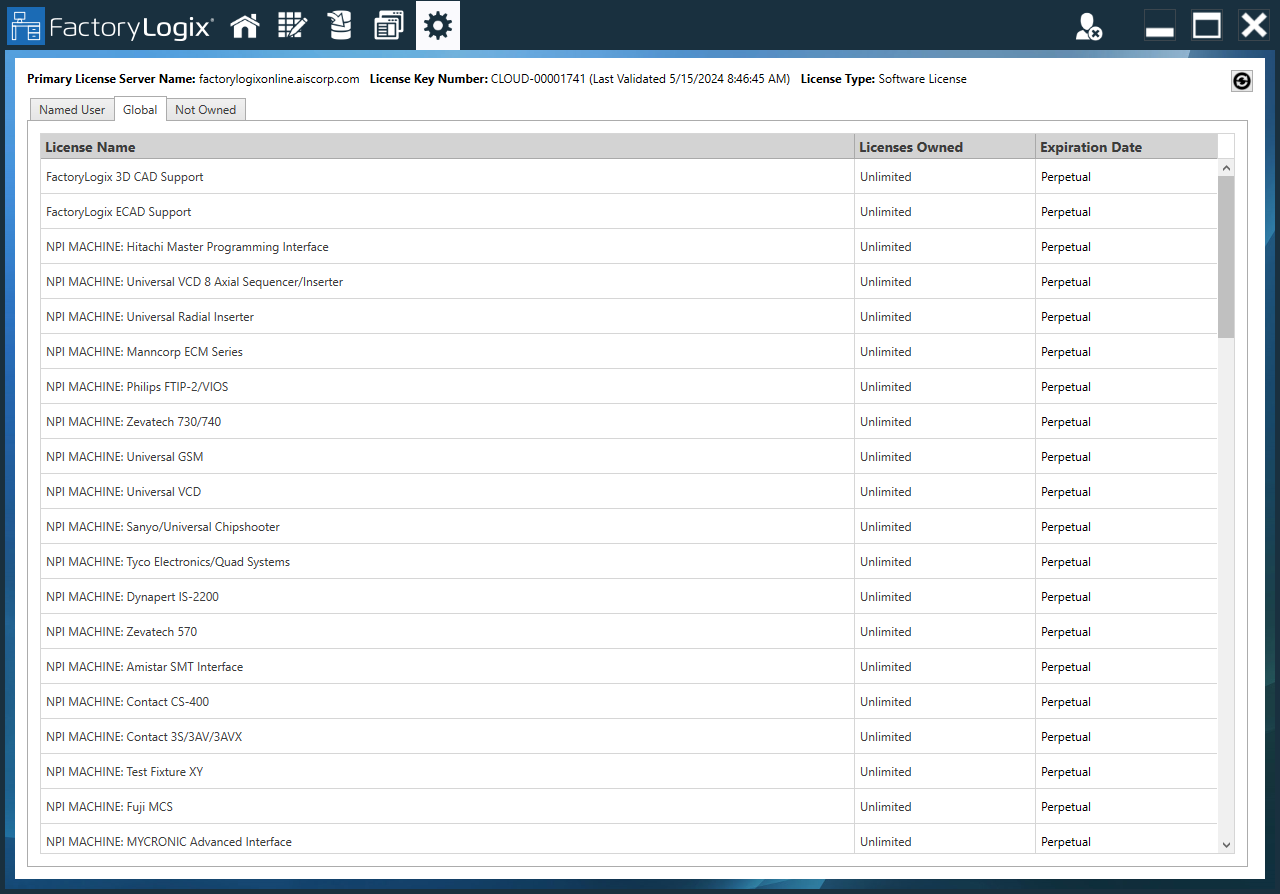
Select the Global tab to view the global licenses owned by your organization.
-
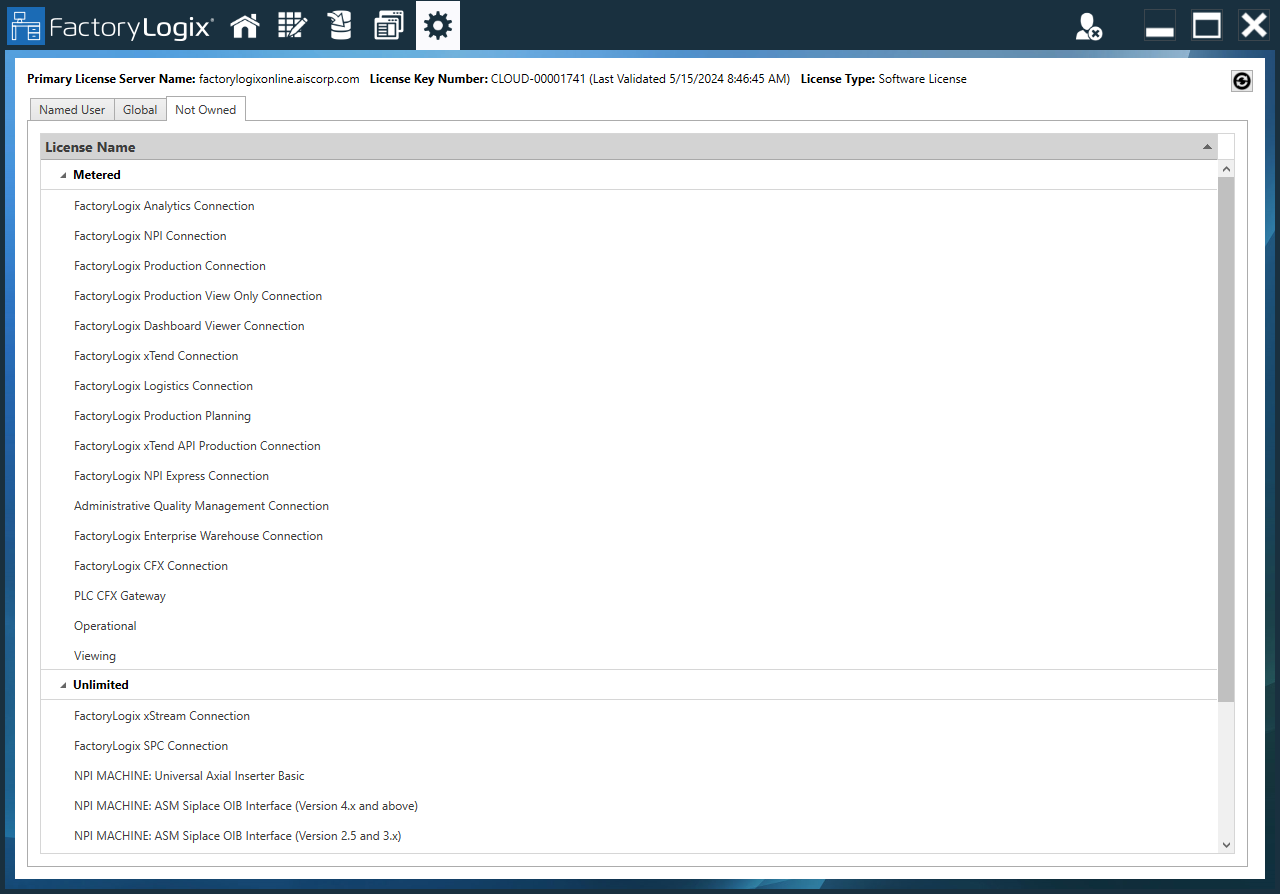
Select the Not Owned tab to view the licenses that are available but not currently owned by your organization.