
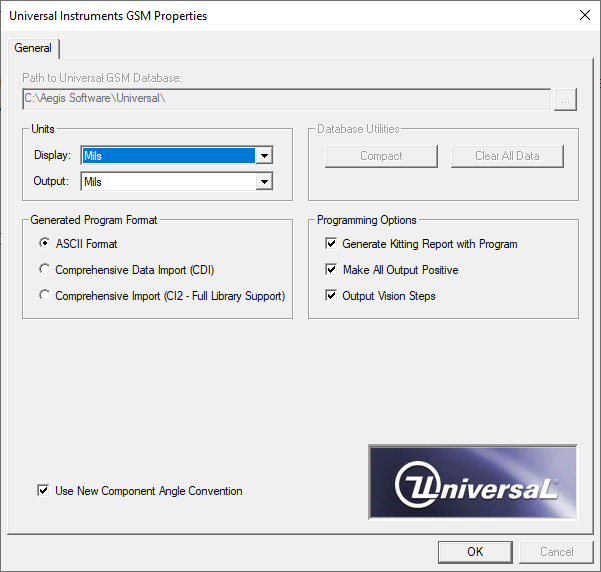
ASCII format is the default Generated Program Format in the Properties dialog. The Properties dialog for ASCII only has one tab: General. The following table describes the ASCII options.
|
Generated output format |
Tab |
Option |
|---|---|---|
|
ASCII |
General |
Path to Universal GSM Database - By selecting the browse button (the ellipsis ...), you can specify the location of the Universal database. Units
Database Utilities
Generated Program Format - Select the output format to generate from FactoryLogix (in this case, ASCII). Programming Options
Use New Component Angle Convention - Consult your Universal machine documentation for details about this newer machine placement angle convention. |