Sign into FactoryLogix for the first time

Important
Your license type determines the features and functionality you can access in the FactoryLogix system. Throughout the documentation, it's important to note that the options you see in the FactoryLogix user interface depend on the license type assigned to you.
Once you install the software, you can sign into FactoryLogix Office.
Double-click the FactoryLogix Office shortcut on your desktop:

Select the Sign In button.
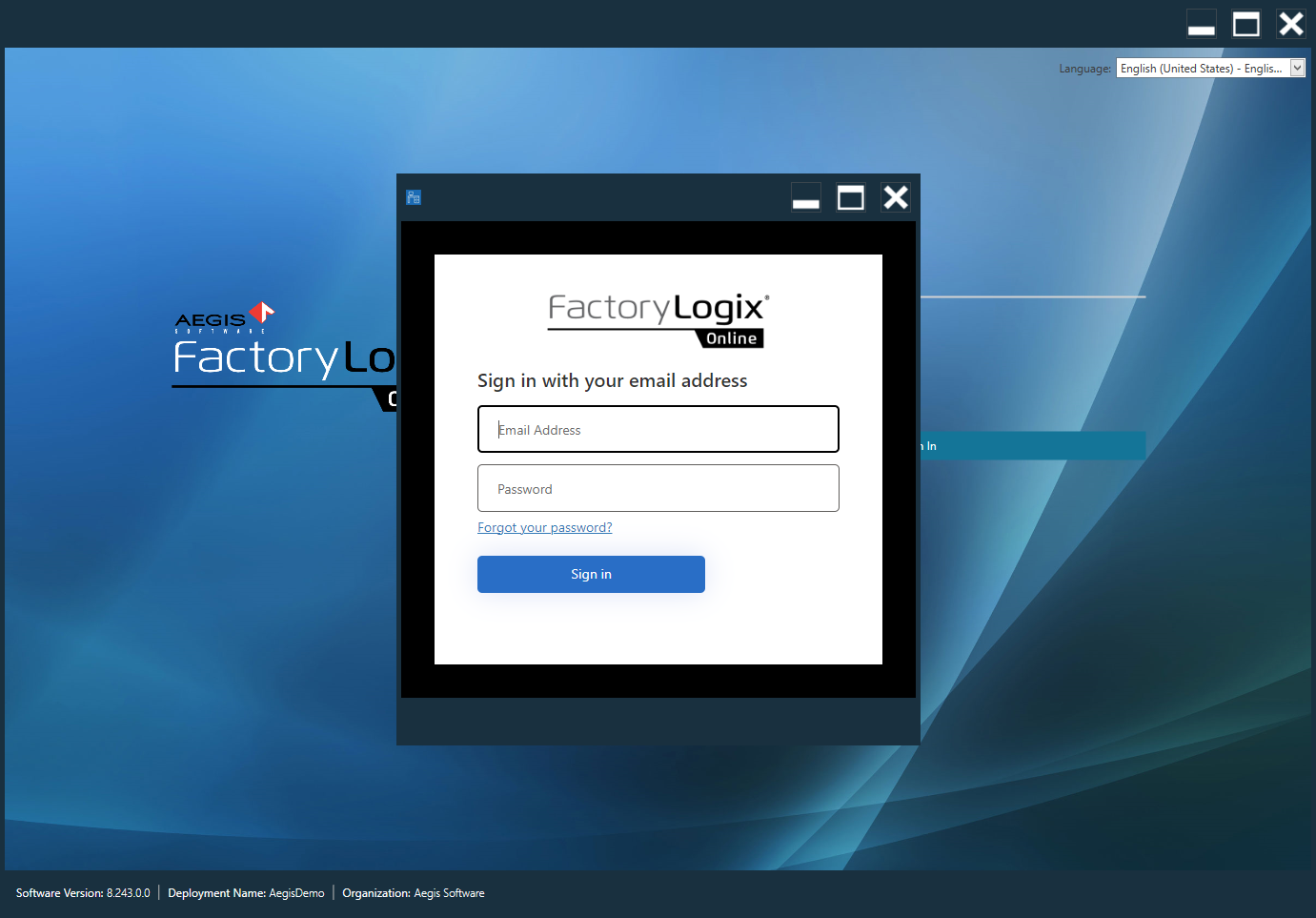
Enter you Email Address and Password, then select the Sign in button.
Important
Your license type determines the features and functionality you can access in the FactoryLogix system. Throughout the documentation, it's important to note that the options you see in the FactoryLogix user interface depend on the license type assigned to you.
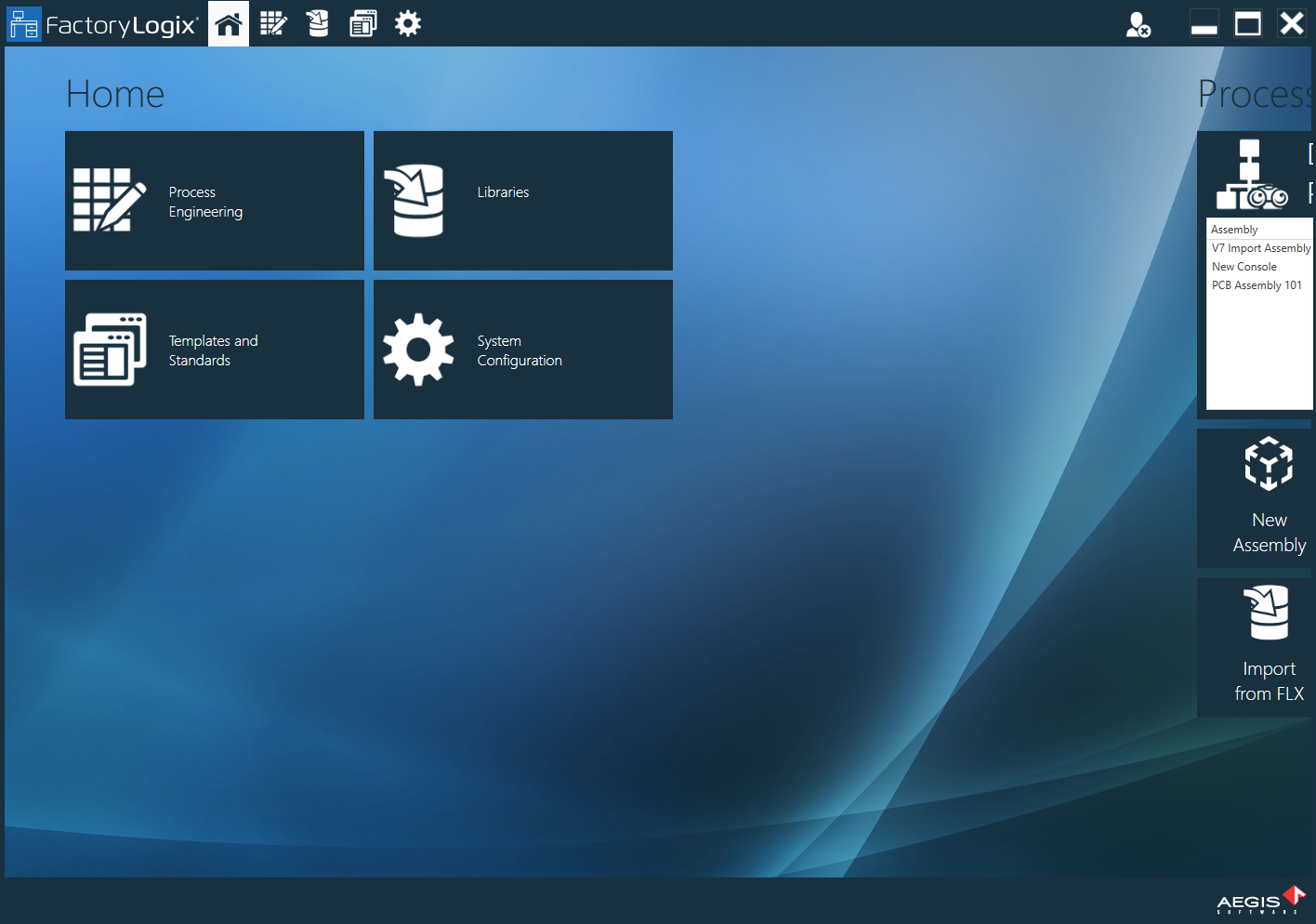
The Home window displays.