
Note
A unit of measure is also referred to as a unit of issue in FactoryLogix.
In FactoryLogix Office, a BOM contains a Unit of Issue column that you can map to the unit of issue property of a part. This mapping sets the unit of issue property for the part in the BOM and—provided it isn’t changed—the unit of issue initial value of the internal part that is created when you publish the BOM.
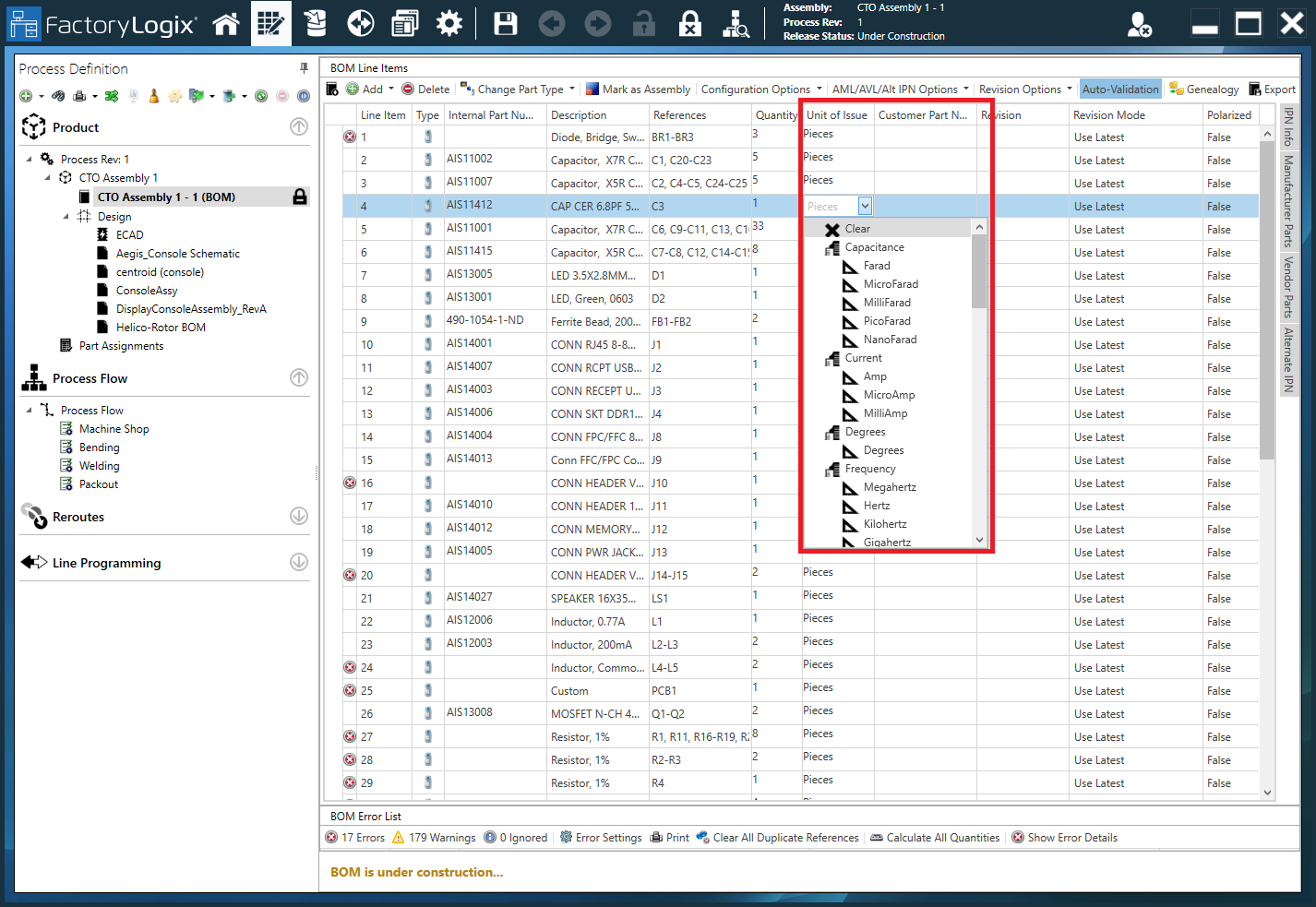
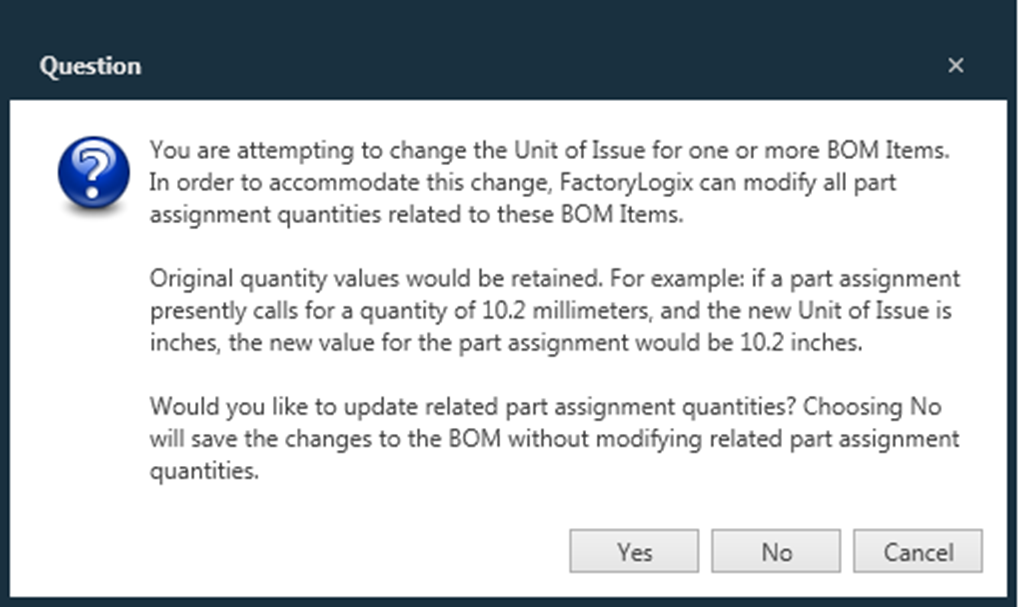
You can change a BOM’s unit of issue after you import the BOM into FactoryLogix Office or change the unit of issue of the internal part that is generated (or matched if it already exists) when you publish the BOM. These units of issue can vary independently—part assignments in a process definition can be expressed in one unit of issue while inventory and production functions that rely on the internal part definition can be expressed in an entirely different unit. If the two units are part of the same unit of measure (and thus have a built-in conversion between them), the system will convert between units as needed automatically. However, if the internal part already exists and has been changed to a unit from an incompatible unit of measure, the system will display an error message when you try to publish the imported BOM and suggest how to proceed.
Example
While creating a new assembly revision in FactoryLogix Office, you import a BOM file for a mercury thermometer. The Liquid Mercury part is specified as .5 Grams, using the abbreviation gm for Gram. After importing the BOM into FactoryLogix Office, the abbreviation gm is successfully mapped to the unit Gram.
Provided you don’t make any changes to the BOM, Gram will be used as the unit of issue in all part assignments. When the BOM is published, if no internal part exists for this internal part number, the internal part that is generated will also be assigned Gram as a unit of issue.
Creating inventory, moving to stock, and scheduling batches
If you change the unit of issue attribute of the internal part for Liquid Mercury to Milligram (still keeping within the same unit of measure as Gram), then all inventory records, transport orders, and scheduling constructs will now reflect values in Milligrams, even while part assignments in the process flow area are still expressed in Grams. During scheduling operations, the conversions will be done automatically by FactoryLogix.
If you go to FactoryLogix Materials Management to enter a new inventory record, you’ll notice you are prompted to specify a quantity for the part in Milligrams. When you view the Inventory Management window and move this new inventory to stock (Move to Stock command), you also see values represented in Milligrams.
Moving back to FactoryLogix Office, after publishing the mercury thermometer process to FactoryLogix Operations, if you now create a batch with a quantity of 25 in and schedule its kit onto a resource with an appropriate resource type, the system displays the correct reserved material in Milligrams, even though the BOM specified 0.5 Grams of Liquid Mercury per unit. Because the two Units are part of the same unit of measure, the system handles the conversion behind the scenes.
This all works because you used units from the same unit of measure in both the BOM Unit of Issue and our Internal Part Unit of Issue. If instead you had changed either of these units of issue to be from a different unit of measure than the other, when you tried to publish the BOM the system would have displayed an error. This scenario arises only when the part being imported from the BOM already exists in the system with an internal part number (only then would you have been able to change the unit of issue to something that conflicts with the incoming BOM part unit of issue).